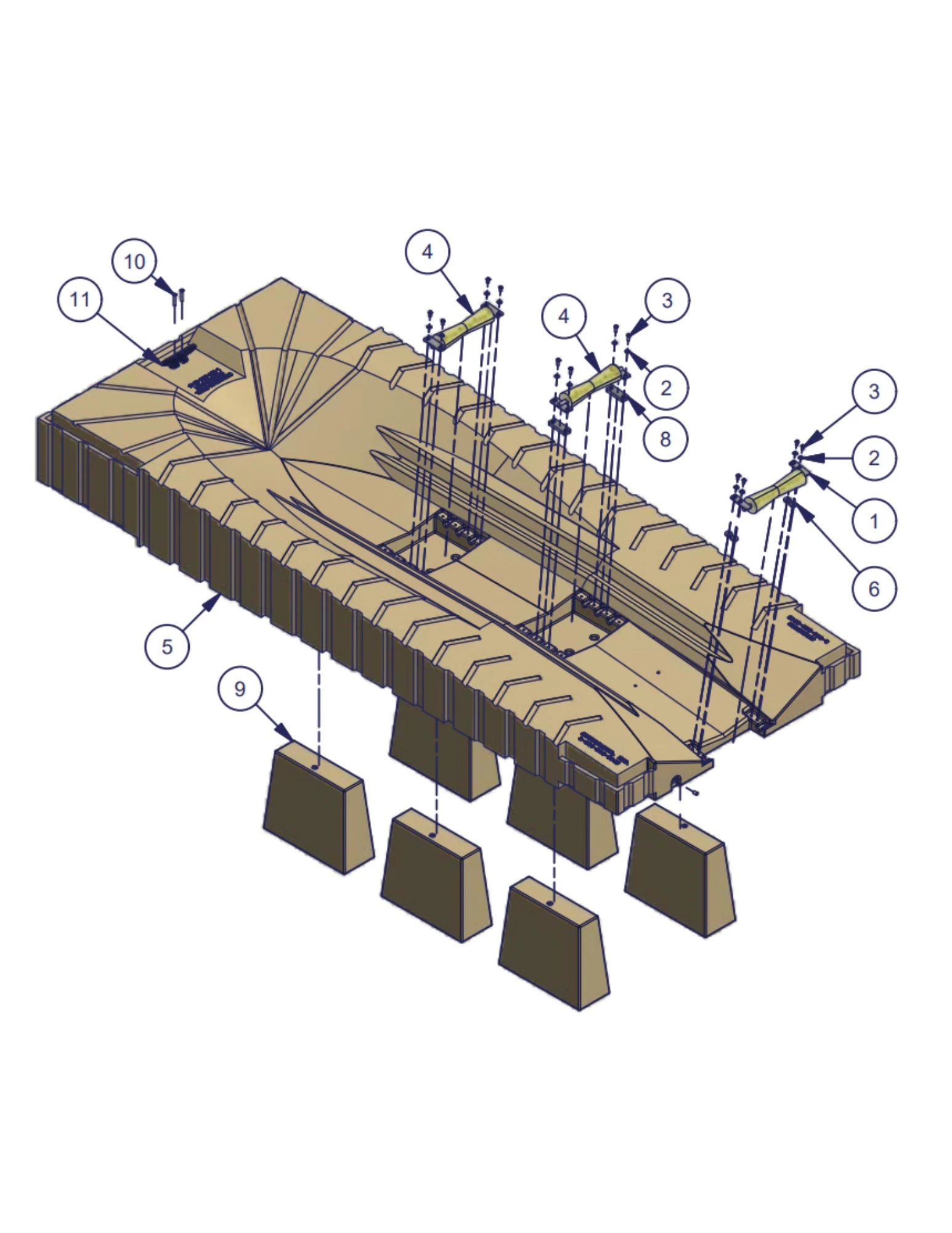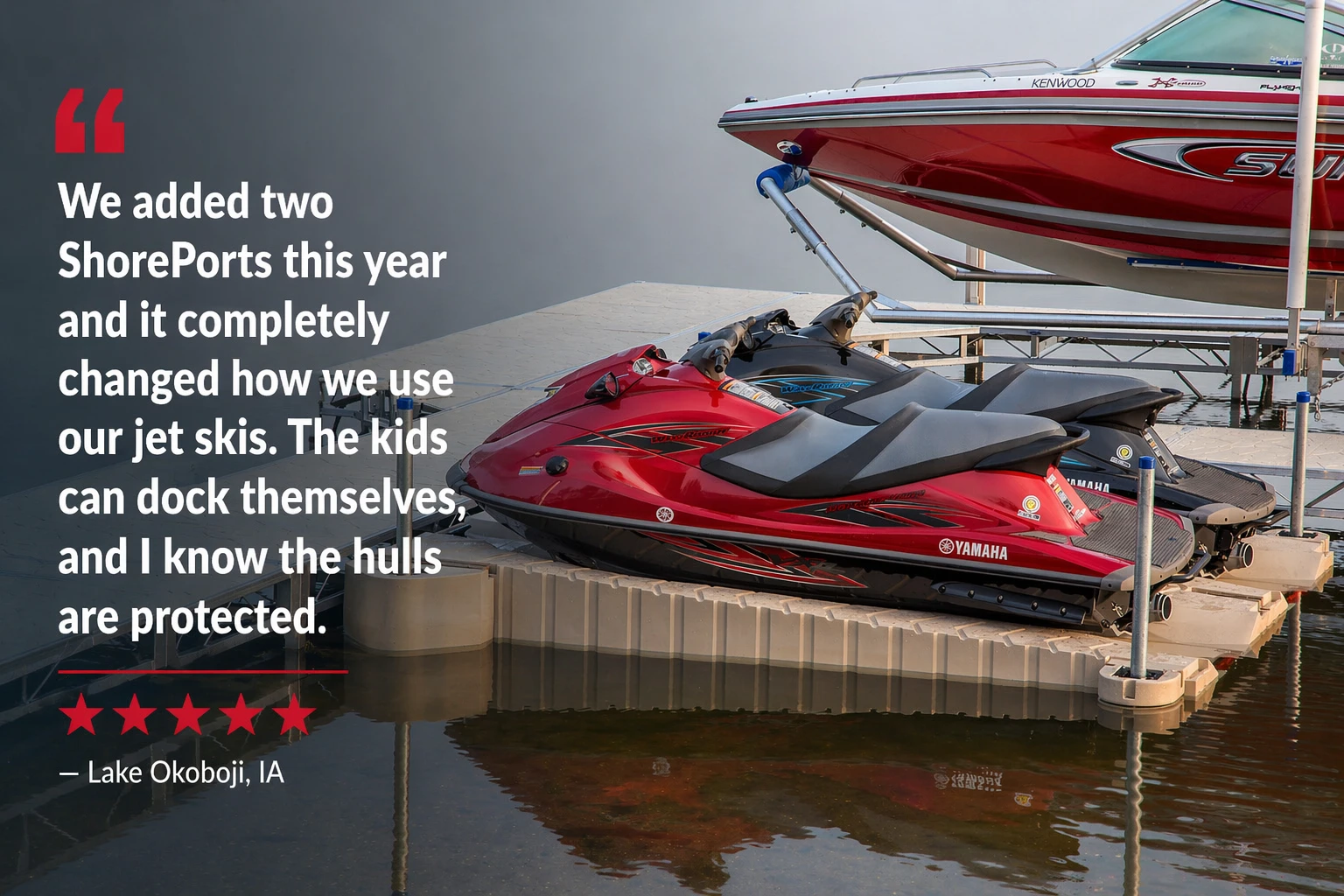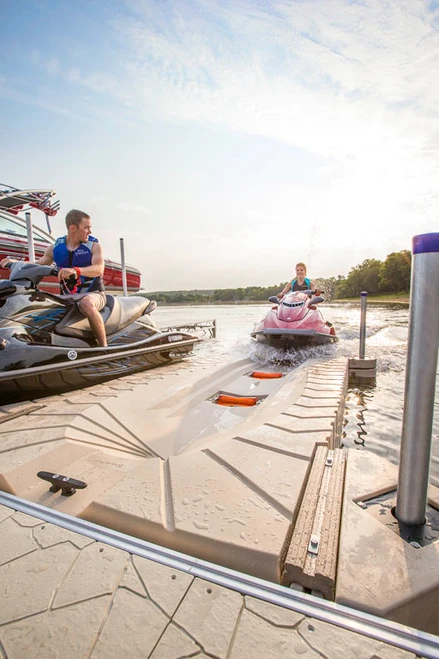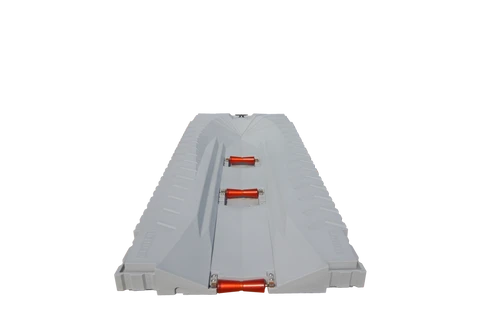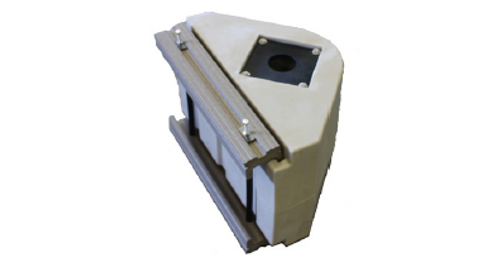
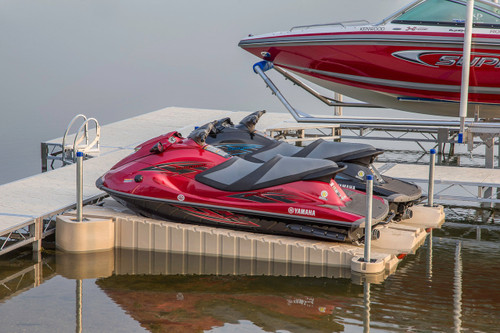


The ShoreMaster ShorePort® Double Unit packages two matching drive-on PWC ports for families, marinas or lake properties that regularly store two personal watercraft. Each rider gets a dedicated platform instead of sharing dock space, tying both PWCs to the same edge or moving one watercraft to launch the other. The modular polyethylene ports use adjustable rollers and a textured walk surface for straightforward everyday loading and boarding.
Why Start with a Two-Port Package?
One Dedicated Port per PWC
Keep both watercraft elevated and ready without stacking, sharing or repositioning the first PWC to access the second.
Matching Side-by-Side Appearance
Select two Gray or two Tan ShorePorts for a coordinated waterfront layout.
Independent Roller Adjustment
Tune the three roller supports on each port for the hull and loading characteristics of its assigned PWC.
Expandable Modular System
Add more ShorePorts or revise the layout later when the connection and anchoring plan supports expansion.
Technical Specifications for Each ShorePort
Select the Two-Port Connection Package
The two ports require a connection and anchorage plan matched to the dock system and wave exposure. Use the required selector above to choose the appropriate package.
Free-Standing Two-Port Layout
Independent of the Main Dock
- Uses an anchoring plan designed to hold two ports in alignment.
- Requires adequate water depth, bottom conditions and boarding access.
- Match color-specific components to the selected ShorePort color when required.
PolyDock Perpendicular Connection
Front-Mount from the Dock
- Creates a straight approach from open water for both PWCs.
- Uses PolyDock-compatible connection components selected for the two-port arrangement.
- Confirm dock width, approach lanes and space between neighboring boats.
Floating Dock Connection
Calm- or Rough-Water Hardware
- Calm-water packages use flexible connection components that allow controlled movement.
- Rough-water packages use pipe and stand-off components for greater restraint.
- Choose the package based on the actual wave exposure and boat traffic at the site.
What’s Included
- Two ShoreMaster ShorePort drive-on PWC ports in the selected matching color
- Three adjustable rollers on each port
- Textured walk surfaces and an integrated 8-inch tie-down cleat on each port
Not Included in the Base Product
- Connection and anchoring components beyond the package selected above
- Supplemental flotation for either port
- Pipe, lumber, dock modifications or installation labor
- Personal watercraft or mooring lines
Capacity Is Rated Per Individual Port
Each ShorePort supports one PWC up to 1,150 lb standard, or up to 1,450 lb with approved supplemental flotation. Do not treat the two-port package as one shared 2,300-lb platform.
Plan separate, unobstructed approach paths for both PWCs, select anchoring for the actual site conditions and periodically inspect all connectors and fasteners.
Only Need One Port Right Now?
The double unit is best when two PWCs need dedicated storage immediately and the connection plan is being designed as one system.
The single-unit listing is a better starting point when you own one PWC or want to confirm the dock layout before expanding.
Frequently Asked Questions
Does the double unit include two complete ShorePorts?
Yes. The base product includes two matching ShorePort units, each with its own three-roller support system and walk surface.
Can the two ports hold different PWC models?
Yes, provided each watercraft fits the ShorePort dimensions and remains within the capacity of its individual port. The rollers on each ShorePort can be adjusted independently.
What connection package should I choose?
Choose based on the dock type, front/perpendicular orientation, water depth, bottom conditions and wave exposure. Calm-water flex connections and rough-water pipe/stand-off systems are not interchangeable.
Can I add supplemental flotation to only one port?
Supplemental flotation is evaluated per individual ShorePort. Add it only where needed for the assigned PWC, following ShoreMaster capacity and installation guidance.
How should I maintain a two-port installation?
Inspect both roller systems separately and periodically check the connectors, pipe guides and anchoring hardware that hold the two-port layout in position.
Planning a Two-PWC ShorePort Layout?
Call with both PWC models and weights, your dock type, preferred orientation and shoreline photos. We can help identify the correct two-port connection and anchorage package.
Call 888-298-9702